

Remote invigilation takes place online with an invigilator using security software and an assessment platform. It gives you greater flexibility in scheduling your exams as long as you have a stable internet connection and meet the required exam conditions.
How do remote exams work?
Remote assessments are delivered using the same robust procedures as attending a test centre. Once an exam is booked instructions are sent to help you prepare and check your equipment.
Exams are in the same format and style but you are observed online, using cameras and shared screens. A remote invigilator monitors your behaviour to ensure that you observe the exam conditions.

Monitored via camera

Fits around your life

No travel required

Tailored delivery
Booking your exams
You must enrol for a study programme and log into the learner portal before you can book and pay for your exams.
Within your learner account, you'll see an option to Schedule Exams. Selecting this option will take to you to our scheduling tool, which will open in a new tab or window.
In the scheduling tool, click on Qualifications. This will show all the study programmes you are enrolled on. From here, you can book an exam or to check your status for any given study programme. The status page will show an progress you have made towards compleing your study programme and inform you of what exams are available to book.
When booking an exam, you will choose which unit you're booking for and your preferred examination date from the available options. After choosing a slot you will be asked to pay for your exam online. Once payment is complete, you'll receive an email confirmation of your booking and further information about how to get set up for the exam.
Please be aware, a booking will need to be made at least five days in advance in order to allow for exam preparation and you can sit your exam at any time between 02:00 and 23:59 on the day you select.
Examinations for Level 4 qualifications may only be booked or rescheduled whilst the exam booking windows are open, i.e. up to five days before the first examination starts within the sitting window/session. They cannot be cancelled or rescheduled once the examination session has started, (i.e. during the two week exam window). For dates and availability please see the Level 4 examination schedule below.
Reschedules and re-sits
You can re-sit your examination as many times as is needed to pass. If you need to reschedule an exam to an earlier or later date, you can do this provided there is at least 5 days’ notice between the change. You'll receive an email once your new exam date is confirmed. You can read more in our rescheduling policy.
What to expect
Ten days before your exam you'll receive an email with guidance on how to test your equipment and learn how the exam will take place.
Take your time to read this and make sure you follow the 'test your equipment' instructions before every exam you take to ensure your equipment is still up-to-date.
Your live examination link will be sent to your email three days before the exam. Make sure you keep an eye out for any emails from [email protected].
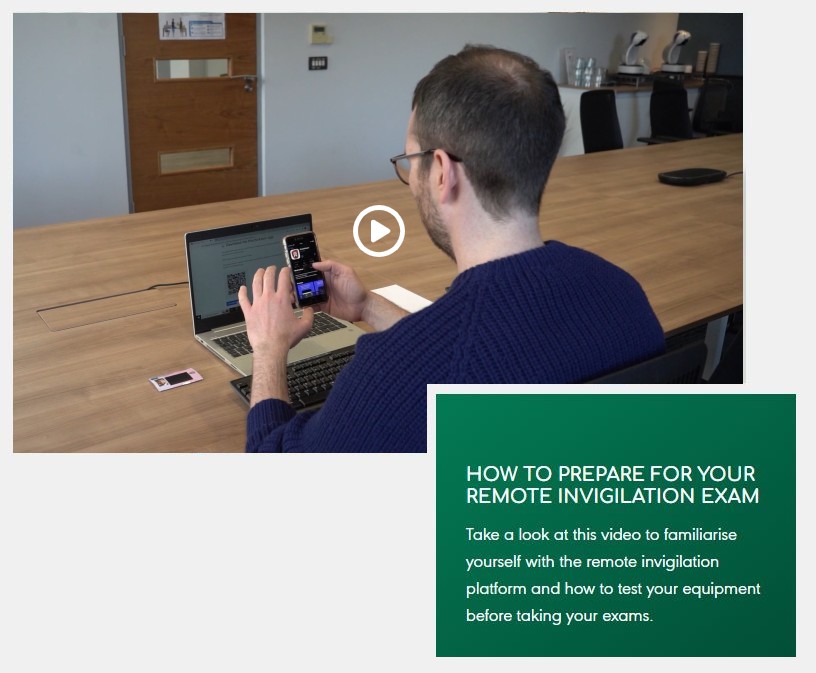
Your experience
We want to offer you the very best assessment experience. It is important that you don't feel anxious and can undergo assessment in a familiar environment.
By choosing a time that fits in with work and home this solution remote invigilation is far more cost-effective and convenient because you take less time away from work. It’s also more environmentally friendly as you don’t need to travel, you just need a simple click into the assessment platform from your pre-prepared devices.
Tailored delivery
The assessment delivery can be personalised with different screen colours and adjustable contrast, and learners who have additional needs can be supported where required.
These are called reasonable adjustments and can include additional time or a screen reader, simply contact Propertymark Learning allowing time for arrangements to be made in advance of booking the assessment.
Reasonable adjustments
You should contact us to discuss any support and/or adjustments you might need to take your exams before making any exam bookings. Further information can be found in our reasonable adjustments policy.
Results
Remotely invigilated exams: Levels 2 and 3 (5 and 6 Scotland) qualifications
Once you have sat your exam the invigilation team will undertake a review of your examination sitting. The team will be reviewing your ID, room conditions, behaviours and equipment used. Once this has been approved the result will be issued and available in your learner portal account. This can take up to 5 working days.
Remotely invigilated exams: Level 4 qualifications
Once the examination window closes, a review of your ID, room conditions, behaviours and equipment use will be undertaken, and examiners will undertake the marking and quality assurance of all examinations taken during that period. Examination results are issued and available in your learner portal account seven weeks after the close of the level 4 examination window in which you sat your exam.
Certification
Once you have achieved your study programme, PMQ will post a qualification certificate to you. This will be issued within 20 working days of your final unit being awarded.